
Build your list. Let sellers race to your price.
From a single bag of cement to a full project BOQ — post your needs anonymously, get real-time bids, and pick the seller you trust most.

From first tap
to final handshake.
Six steps. Designed around how Indian buyers actually shop for building materials — fast, comparative, and trust-driven.
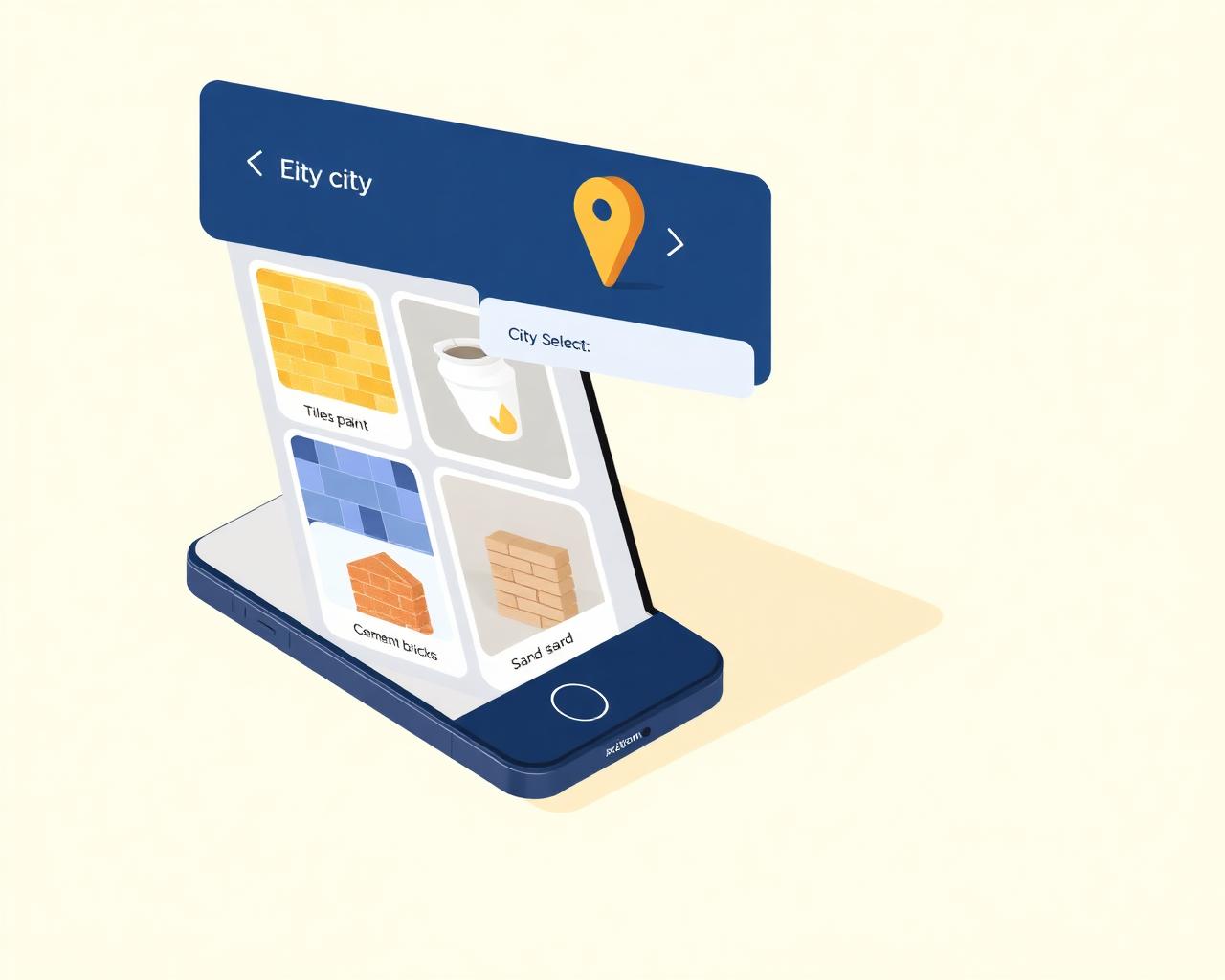
Set your city, browse the catalog
The first screen welcomes you with a single question — your current city. From there, every category of building material is one tap away. Drill into sub-categories, scan brand chips, or search exactly what you want.
- Tiles, paint, cement, sand, putti and more
- Brand chips: Kajaria, Somany, Asian Paints, Ultratech
- Sort by 'Most Popular' or 'Relevance'
Add quantities in the right unit
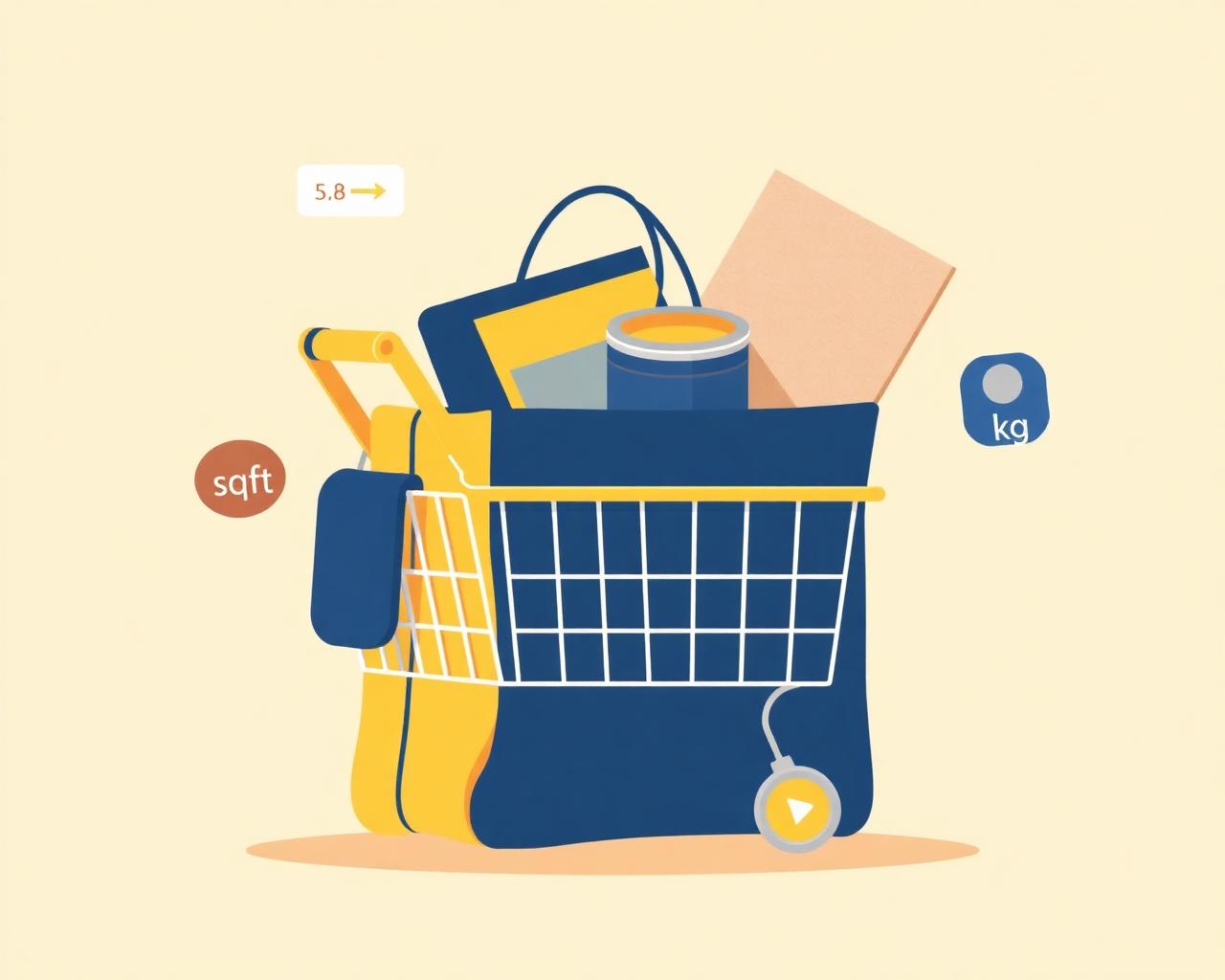
Every product knows its unit. Tiles in square feet, cement in bags, paint in litres or jars, putti in kilos. Pick a variant — colour, texture, pack size — and Hagglr handles the rest. Add as many products as you like; your bag stays editable until you're ready.
- Auto-matched units per product
- Switch variants without leaving the page
- Edit or remove items anytime before sending
Broadcast anonymously to every verified seller
One tap on 'Send to Market' shares your list with every verified seller in your city who deals in those categories — without revealing who you are. We ask for your shipping address and expected delivery date once, and you're done.
- Identity stays hidden until acceptance
- Targeted to sellers in your city only
- Bids arrive within minutes

Sort, filter, decide
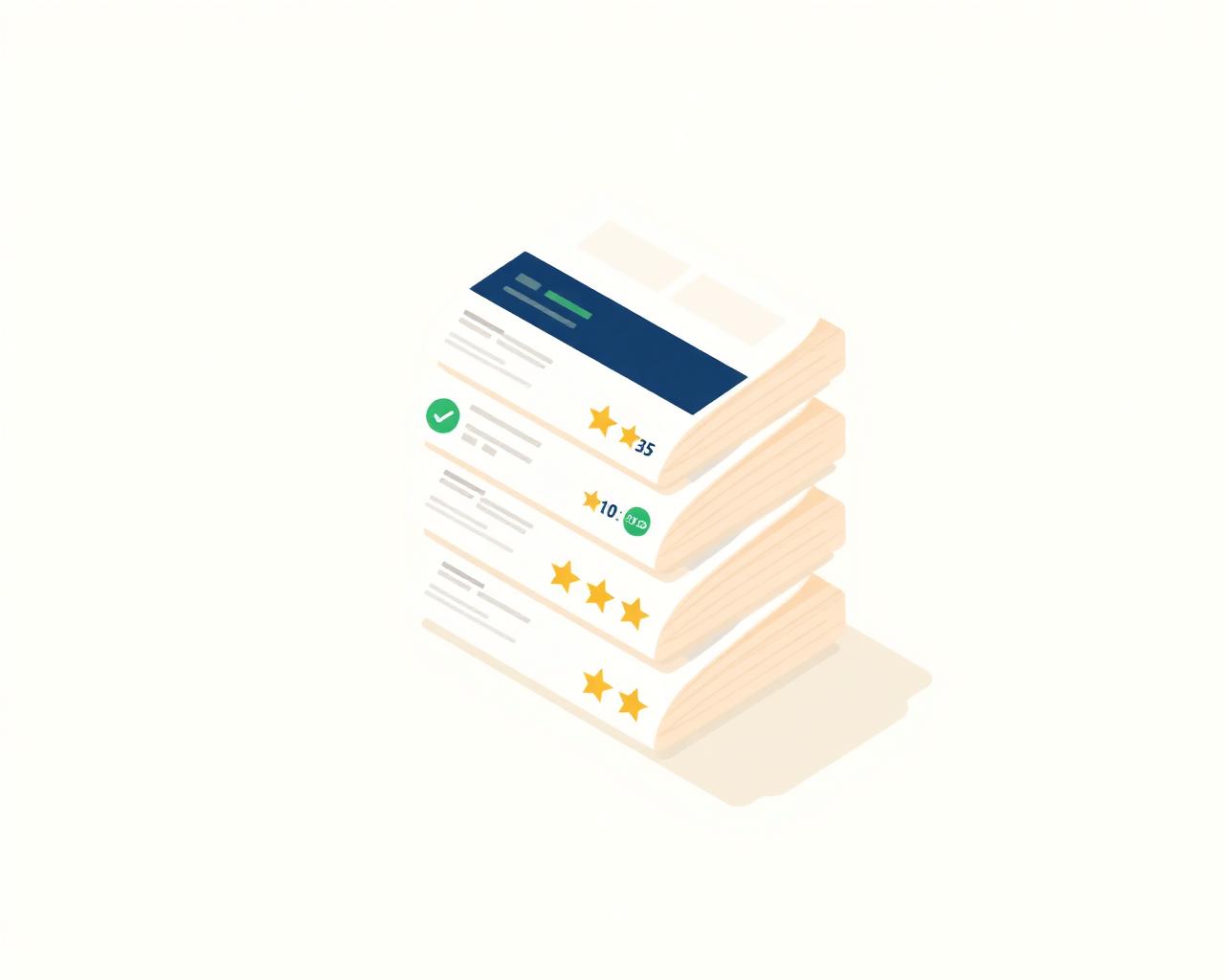
Open any product in your bag to see live bids stacking up. Each card shows the price, shipping (if any), and the seller's star rating. Sort by lowest price or highest rating, dig into reviews, then tap 'Select Seller' on the bid you want.
- Real-time bid stream with notifications
- Sort by price or rating
- Read reviews before committing
Acknowledgement receipt locks the deal
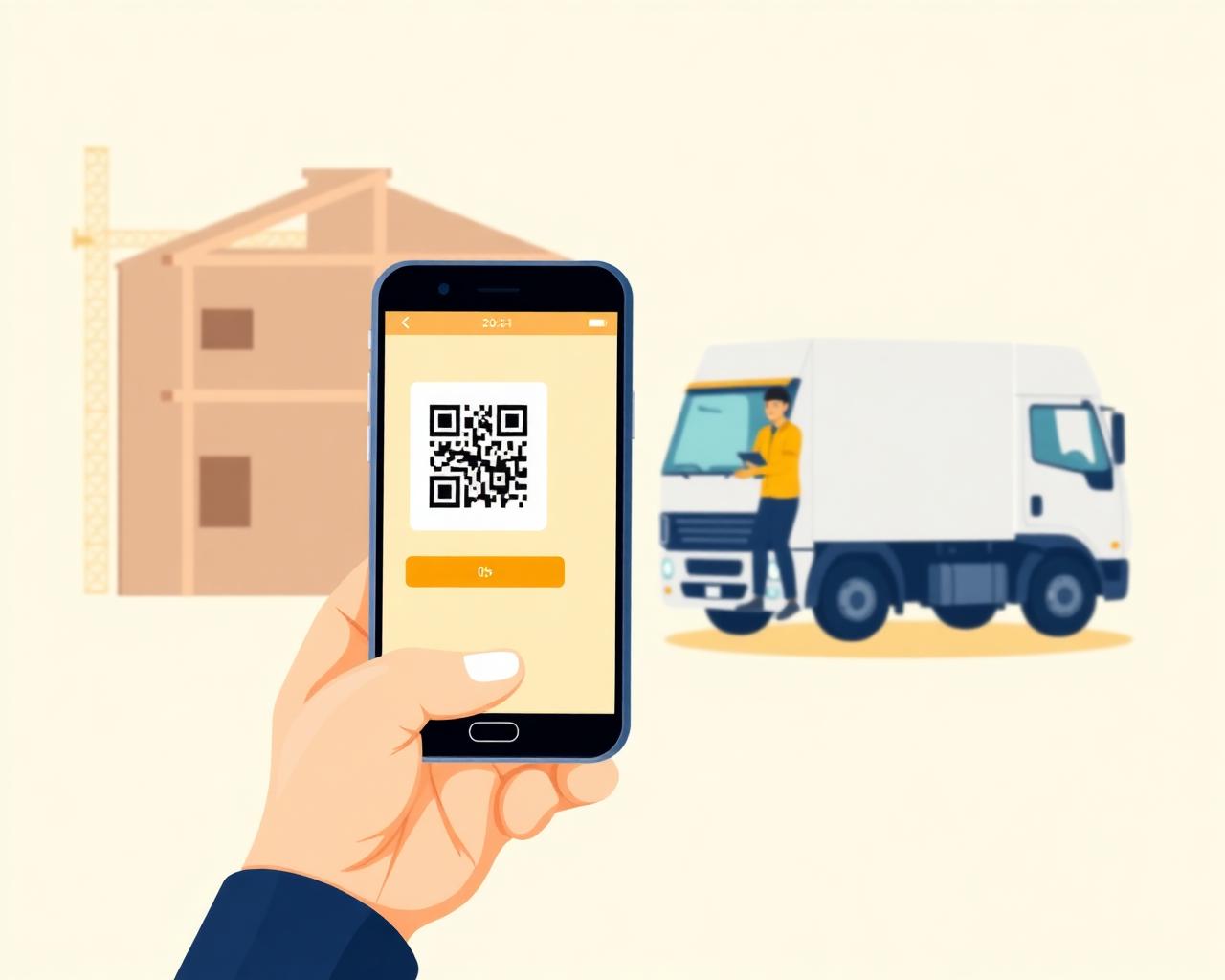
The moment you select a winning bid, Hagglr generates a unique QR-coded acknowledgement receipt. Show it at pickup or delivery — the seller scans it, the order locks as completed. No receipt, no deal: that's your guarantee.
- Unique QR / number per order
- Auto-cancel option if either side backs out
- Identities exchanged only at this stage
Every completed order helps the next buyer
After pickup, rate your seller from 'My Orders'. Your review feeds back into their public score — keeping good sellers visible and protecting the next buyer. Then jump back in and post your next list, in this city or another.
- Full purchase & cancellation history
- Multi-city support — switch anytime
- Auto-cancellation after 10 days if untouched
Everything one tap away
A clean side menu keeps your profile, orders, receipts and notifications organised — so you never lose track of a live bid.
- Profile
- Current City
- Notifications
- Ack. Receipts
- My Orders
- Saved Lists
- FAQs
- Contact Us
Stay anonymous until you're ready
Sellers never see who you are until you select a bid. No spam calls, no pressure tactics — just clean, comparable prices.